 Video Gen Editor









How to make an AI video in three steps
- 1
Describe the shot
Say what happens, where, and how the camera sees it: “a cyclist rides through a puddle on a wet city street at dusk, low tracking shot.” One scene per clip works best.
- 2
Add a photo or audio (optional)
Upload a picture to animate, add reference images to keep a character or product looking the same, or attach a track by URL to drive the visuals.
- 3
Pick a model and generate
Choose the model, the shape and the length, check the price next to the button, and generate. The finished clip lands in your workspace gallery.
Why use more than one AI video model?
Every video model has its own strengths. One keeps a face steady through a 30-second scene, another is great with fast camera work, another renders in 4K. Most AI video makers give you one model and a subscription. Here you switch models from the same prompt box and your prompt and attachments come with you, so comparing two models takes a click, not two accounts.
- Seedance 2.5 (ByteDance): Long, consistent scenes up to 30 seconds, huge reference sets, and edit and extend modes.
- Wan 3.0 (Alibaba): Takes text, images, video, audio, documents and web pages, with sound and clips up to 30 seconds.
- Wan 3.0 Prime (Alibaba): Wan 3.0's inputs and quality on faster inference, for when waiting costs more than the credits.
- Gemini Omni Flash 1.1 (Google): Native sound, 360p drafts to 4K finals, frame interpolation, editing and scene extension.
- LTX-2.5 Fast (Lightricks): Speed-focused, 720p to 4K, camera movement presets and optional native audio.
- LTX-2.3 Fast (Lightricks): Low-cost HD video, and the model to use when a song should drive the picture.
- MiniMax H3 (MiniMax): Cinematic, reference-driven character work with native sound, up to 1440p.
- MiniMax H3 Max (MiniMax): Faster H3 for text and image-to-video, known for expressive, cinematic motion.
- MiniMax H3 Max Turbo (MiniMax): A distilled, lower-cost H3 Max with sound, for lots of variations.
- MiniMax H3 Fast (MiniMax): Quick 480p clips at one flat price, with image, video and audio references.
- FLUX 3 Video (Black Forest Labs): Clips with sound, clean on-screen text, multi-shot cuts and a cheap draft mode.
- HappyHorse 1.1 (Alibaba): Close-up performances and multi-character scenes, with up to 9 reference images.
- Grok Imagine Video 1.5 (xAI): Lively image-to-video from a single still, with speech in up to three preset voices.
- Grok Imagine Video 1.5 Lite (xAI): The low-cost Grok tier: native audio from a prompt or one frame, from $0.02 a second.
- Kling VIDEO 4.0 (Kling AI): Clips up to 30 seconds, up to 10 keyframes, and references or an input video in one request.
What you can make
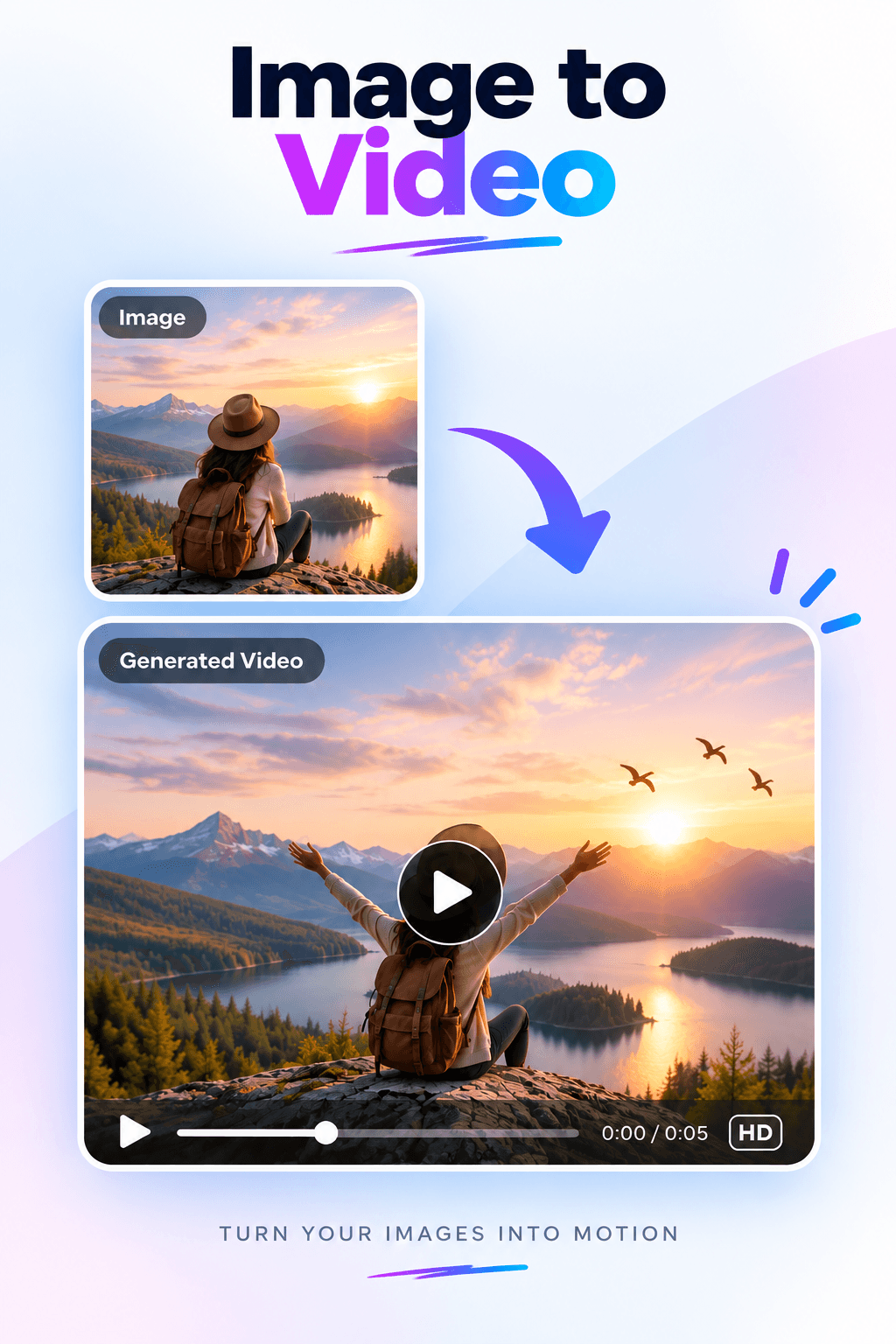
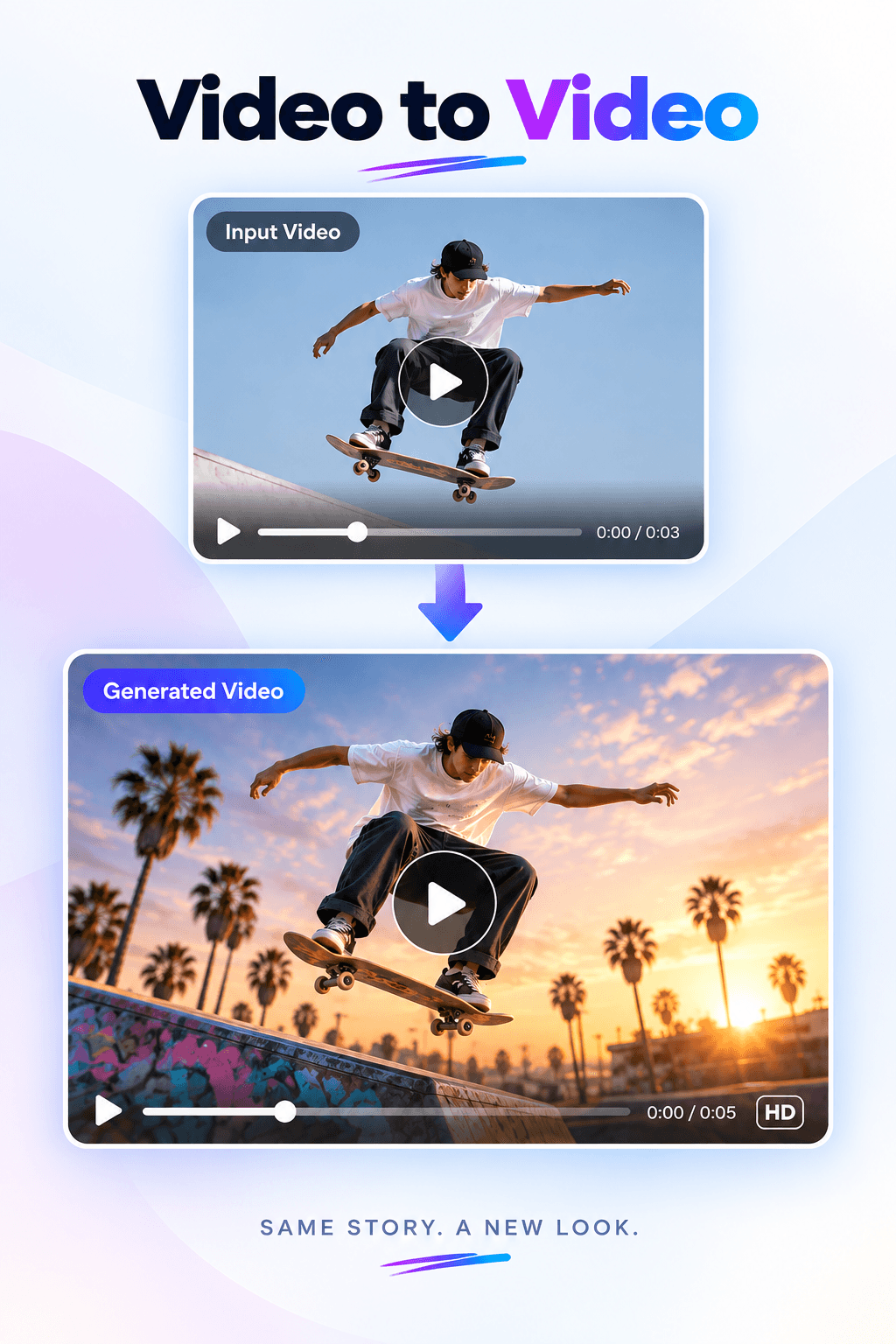
Got a script? Text to video AI turns it into scenes, one shot at a time. Got a photo? The AI image to video generator brings it to life. Already filmed something? Change it with a sentence in the AI video editor, or keep it going past the last frame with the AI video extender.
Musicians can build visuals around a track with the AI music video generator, or put the words on screen with the lyric video generator. If you sell something, the AI UGC video generator turns a product photo into creator-style ads for TikTok, Reels and Shorts.
What's different here
- You see the price first. Every model shows an estimate for your exact settings before you generate, so credits don't quietly disappear.
- Failed generations aren't charged.
- It fits wherever you post: 16:9 for YouTube, 9:16 for TikTok, Reels and Shorts, 1:1 for feeds, and more depending on the model.
- Sound comes in the same pass. Many models generate ambience and sound effects along with the picture.
- Workspaces keep each client or project separate, and you can invite teammates as admins or members.
- Nothing to install. It runs in the browser, so you don't need a powerful GPU.
Tips for better AI videos
Write your prompt the way a director briefs a camera operator: “A slow dolly-in on a ceramic mug on a sunlit kitchen table, steam rising, shallow depth of field, warm morning light.” Name the camera move, the light and the style. Ask for one action per clip. If you need a sequence, make each shot on its own and cut them together.
Draft cheaply. Test the idea at 360p or 720p, and only render the final at 1080p or 4K once the shot works. Our guide on how to make an AI video goes into more detail.